Hamloy vs Claude Code's agent view
Claude Code's agent view shows your Claude Code sessions on one screen. Hamloy is the overview of the work itself, kept after they end, for every agent you use.
Checked against Claude Code's agent view's own site on 17 October 2026
The short answer
Claude Code's agent view, claude agents, is one terminal screen for your background Claude Code sessions: which are working, which need your input, which are ready for review, and a prompt to start another. Hamloy is the overview of the work those sessions do: what each is on in the plan, what it finished and merged, what it ruled out and what waits on you, kept after every session ends, for Claude Code, Codex, Cursor and any MCP app, on any computer and for a team. They fit together: watch the sessions in agent view, and keep the plan and the overview in Hamloy.
| Hamloy | Claude Code's agent view | |
|---|---|---|
| What it is for | One overview of all your agents' work, and one plan they coordinate on | Dispatching and managing many Claude Code sessions from one screen |
| Where you see it | A live board in any browser, on any computer or your phone, a panel in the terminal, and Claude Code's status line | A screen in your terminal, opened with claude agents |
| Which agents | Claude Code, Codex, Cursor, VS Code, Claude, ChatGPT and any MCP app | Claude Code |
| What it shows | Each task: who is on it, what was finished, merged and ruled out, and what waits on whom | Each session: Working, Needs input, Idle, Completed, Failed or Stopped, its pull request, and a one-line summary |
| What waits on you | Questions with options and the agent's pick, and requests with steps, in one place, from any agent | Sessions that need your input, answered in the session |
| After a session ends | The work stays on the board: its tasks, notes, what it ruled out, and the history of every change | Its transcript stays on your computer, to resume |
| Starts sessions | Never by itself. From the board you can hand a task to one at work, or open one on a computer that said yes | Yes: type a prompt, and it runs in its own git worktree |
| Agents working together | Claims, news of what the others took and finished, and messages by a task's key | Sessions can message each other when that is turned on |
| Several computers and people | Yes: one board for every computer, and a team where every agent is named for its person | The sessions on this computer |
| Price | Free: one project for you alone. Pro: €8 a month. Team: €8 a person a month | Comes with Claude Code; background sessions use your plan's usage |
Sessions, or the work
Agent view, opened with claude agents, is Claude Code's own screen for its
background sessions. Each row is a session: working, waiting for your input,
ready for review, done. You peek at what one asked, answer it, and type a
prompt to start another, which runs in a git worktree of its own. Claude Code's
docs call it a research preview.
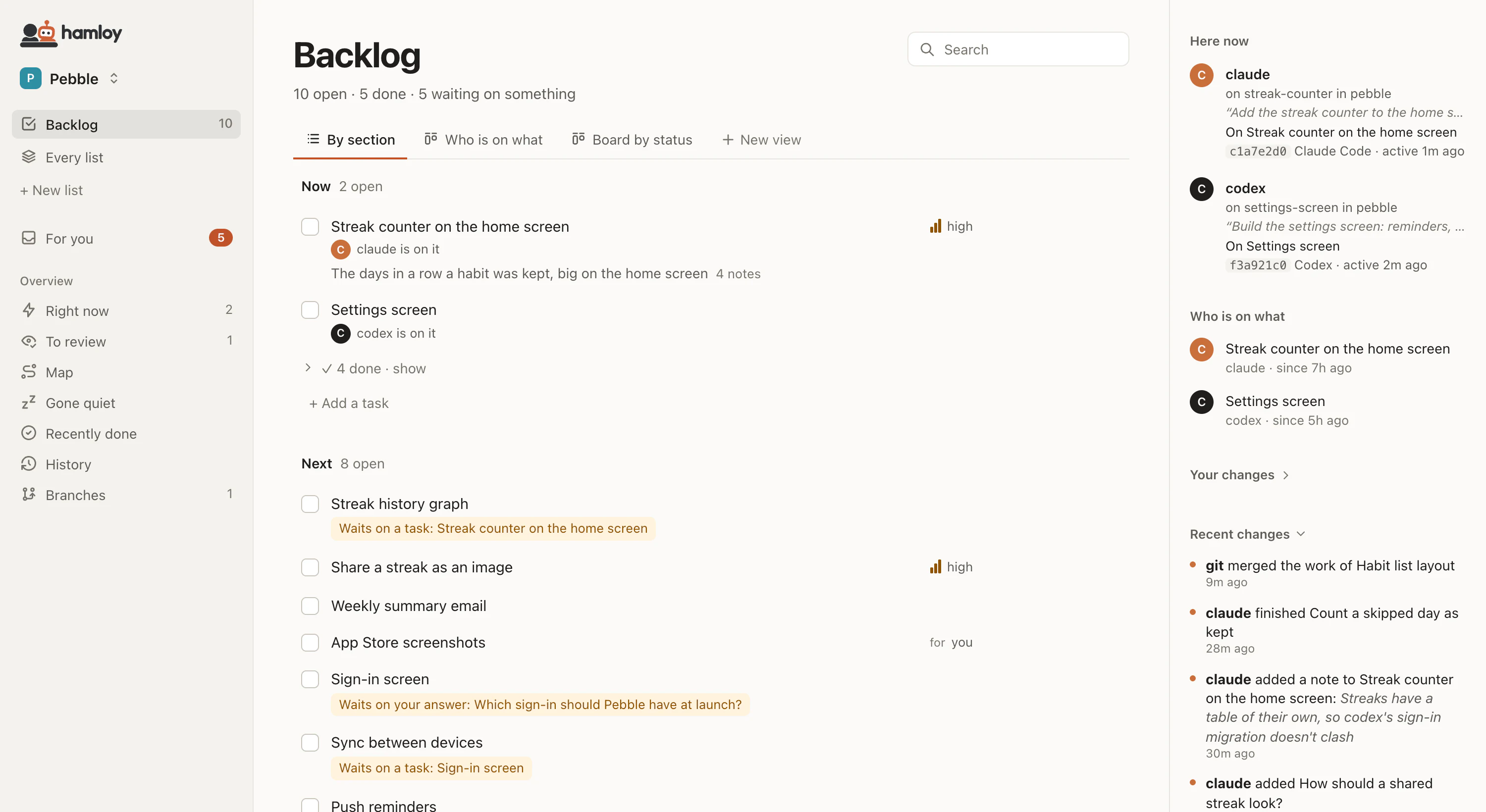
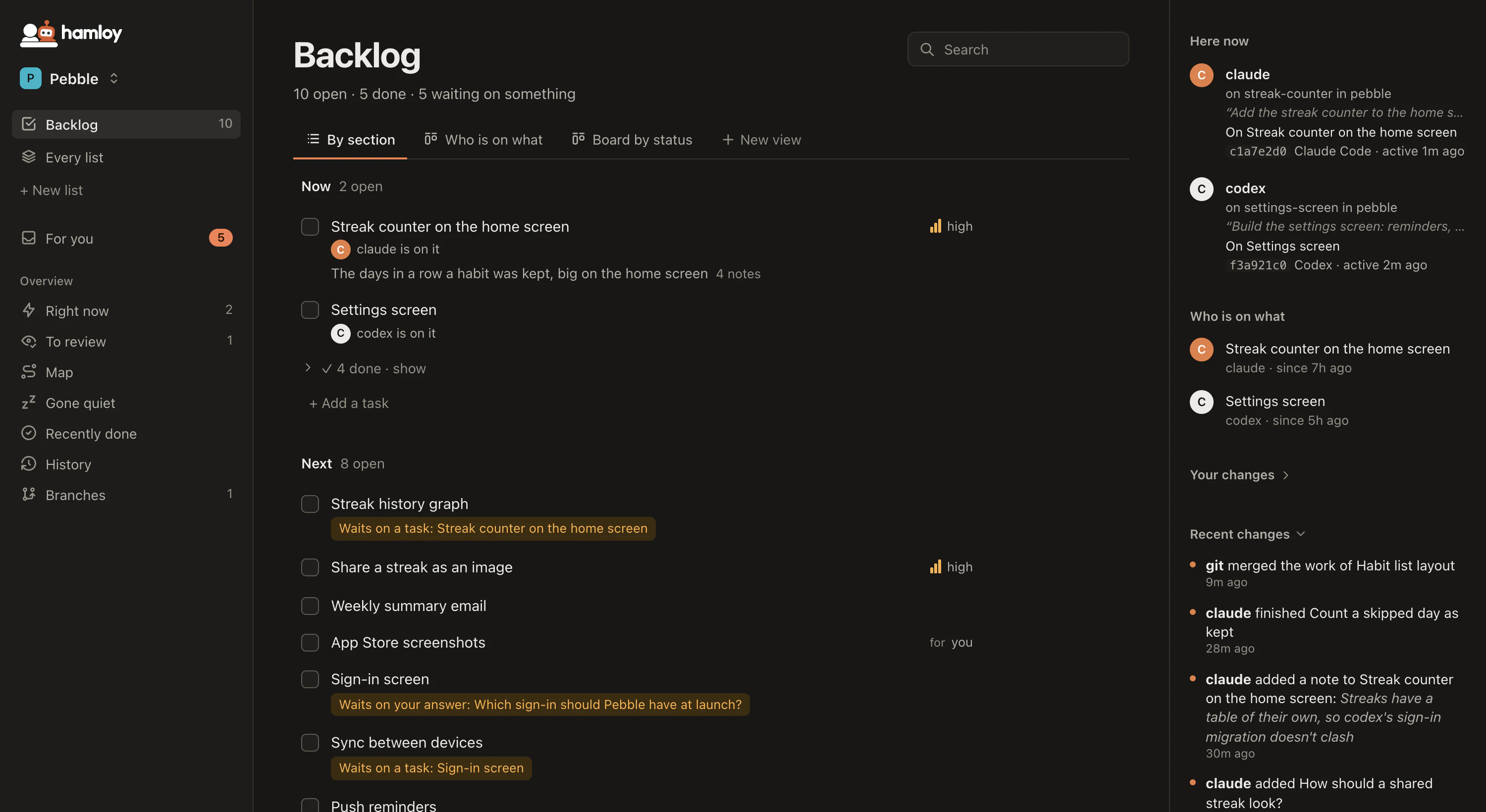
Hamloy looks at the same afternoon from the other side. Its rows are the work: the task each agent claimed, what got finished and merged, what was tried and ruled out, and what waits on you, with who did it. The agents keep it as they work, so it is right without you keeping it, and it is still there when the sessions are gone.
What agent view does well
From Claude Code's docs, read on 17 October 2026:
- Every Claude Code session on one screen, grouped as ready for review, needs input, working and completed, each with a one-line summary and its pull request.
- Answer from there. A peek shows what a session asked or what it found, and you reply without finding its terminal.
- Start more. Type a prompt and a new background session starts, in its own worktree; you are told when one needs input, finishes or fails.
- It comes with Claude Code, with nothing else to install.
What Hamloy adds
The plan, not only the sessions. A session's row says it is working. Hamloy says on what, in the project's plan, what that waits on, and what comes next, so a new session starts from there:
Next up, the most important task ready and free: B-6die@4 Streak
counter on the home screen. Claim it before you start (the claim tool).
What outlasts the session. When a session ends, its row goes to Completed. In Hamloy its work stays: the task ticked, the branch merged, the approach it ruled out, the notes it left for the next one, and every change in the history.
Every agent, every computer, every person. Codex in one window, Claude Code in another, Cursor on a second computer, a teammate's agents: one board, each agent named for its person.
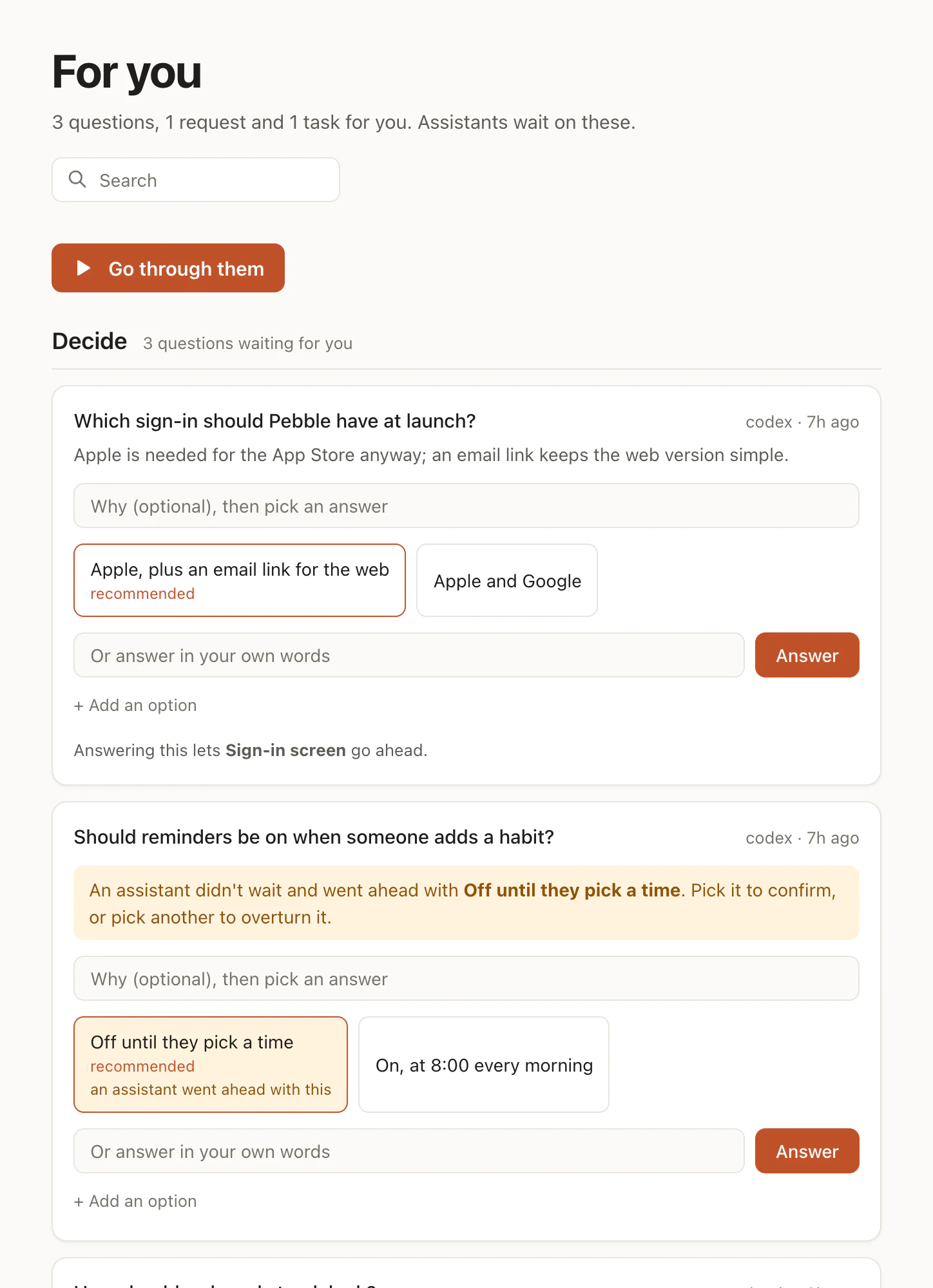
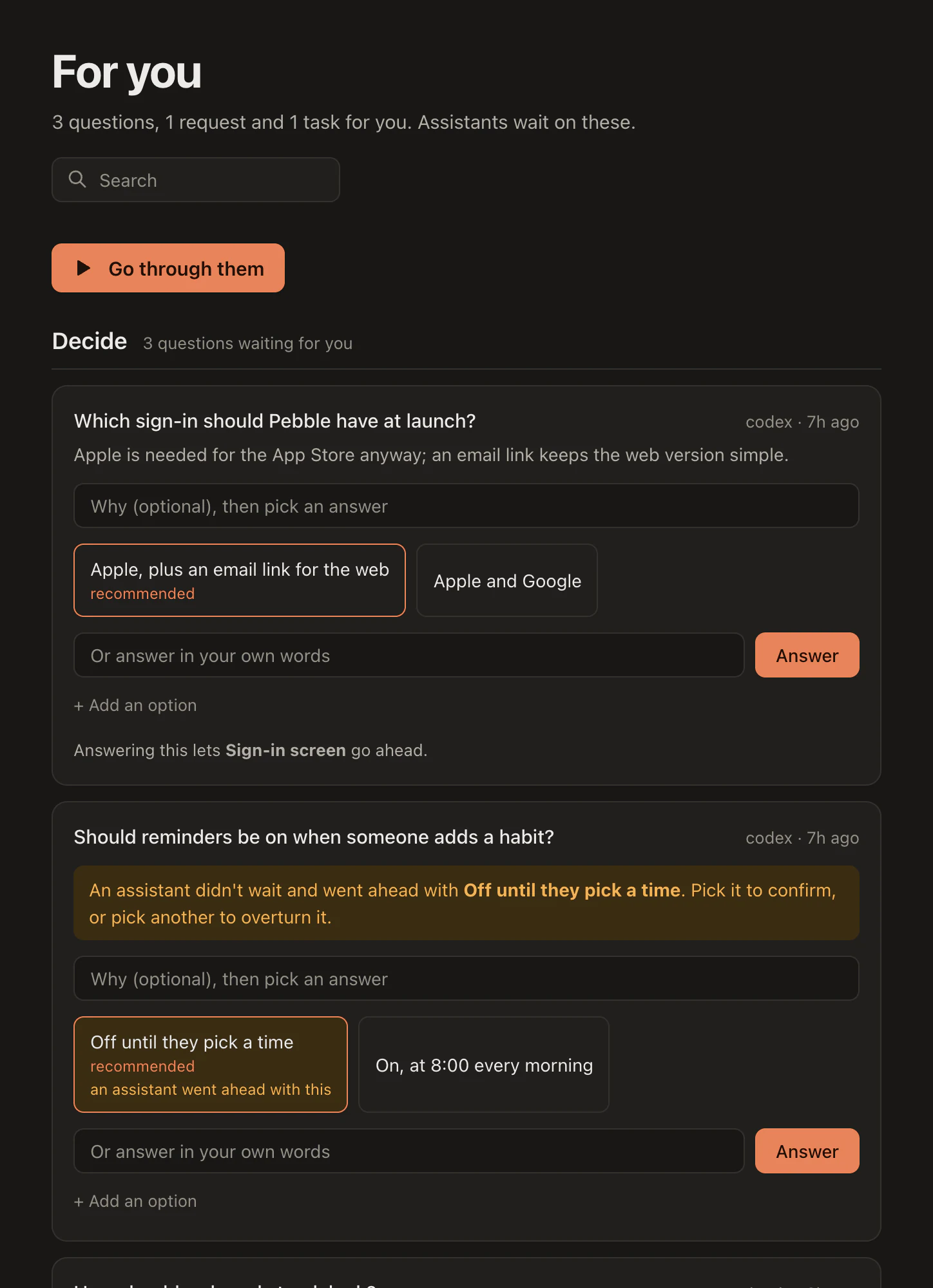
The calls that are yours, in one place. An agent's question comes with options and the one it recommends, a step only you can do comes with exact instructions, and both wait on one page, whichever agent asked:
Done means merged. With the hamloy program, the board follows each task
through git: ticked on a branch, merged, pushed.
Using them together
Connect Claude Code to Hamloy once, in the project's folder (Claude Code). Every session, the ones agent view starts included, then reads the plan when it starts, claims its task and ticks it when done. Agent view stays the quick screen for the sessions on this computer; Hamloy is the overview you open from anywhere, your phone included.
Who Hamloy isn't for
Someone who only wants to see which Claude Code session on this computer needs them: agent view does that, free, in the terminal. Hamloy never starts work by itself, and it is hosted, in the EU, with nothing to run yourself. It is for anyone who wants the overview of what their agents did and what comes next, from one session to a team.
Questions
Can I use Hamloy and agent view together?
Yes. Every session agent view starts is a Claude Code session, so with Hamloy connected each one reads the plan, claims its task and keeps the board up to date. Agent view shows you the sessions on this computer; Hamloy shows you the work across all of them.
Does agent view work with Codex or Cursor?
Claude Code's docs describe it for Claude Code sessions. Hamloy is the same for every agent that speaks MCP, and the hamloy program sets up Claude Code and Codex alike.
Why not just use agent view?
If all you run is Claude Code on one computer, and you only want to see which session needs you, agent view is enough and comes with Claude Code. Hamloy is for when you want the overview of the work itself, kept after the sessions end, across tools, computers and people.