An MCP to-do list for your AI agents
One link gives every agent you use the same to-do list, and you one board that shows all of their work. Fifteen tools; no key to copy.
Hamloy is a to-do list kept as an MCP server. MCP is the standard way AI apps connect to tools, so any app that speaks it can read and change the list: Claude, ChatGPT, Claude Code, Codex, Cursor, VS Code and the rest. They all see the same lists, and so do you, on a live board in the browser.
One link
https://hamloy.com/mcp
Give it to your app. The first time, it opens Hamloy in the browser, you sign in, and that's it: no API key to paste. The link reaches every project you're on; each project also has a link of its own, shown on its page. For a machine nobody signs in on, make a token on the Connect page instead.
Where it goes in each app:
- Claude (web, desktop, phone): Customize › Connectors › + Add › Add custom connector, and give it the link.
- ChatGPT: Plugins, search for Hamloy and press Install plugin. Or Plugins › + › Add custom MCP server, and give it the link.
- Cursor: Add to Cursor in one click, or
{"mcpServers":{"hamloy":{"url":"https://hamloy.com/mcp"}}}in.cursor/mcp.json. - VS Code: Add to VS Code in one click, or
{"servers":{"hamloy":{"type":"http","url":"https://hamloy.com/mcp"}}}in.vscode/mcp.json. - Claude Code and Codex: one paste in the folder you work in,
curl -fsSL https://hamloy.com/install | sh, which adds the link for both and more besides. See Everywhere Hamloy runs.
The fifteen tools
| Tool | What it does |
|---|---|
list |
The open tasks, requests and questions; one item by key, with its notes, history and what it waits on |
add |
Add a task, a request for you, or a question for you, with subtasks, steps, options or what it waits on |
claim |
Say "I'm on this", so the board and the other agents know who has it; or let go of it |
tick |
Mark a task or request done, which drops the claim |
edit |
Change, move, reorder, note or delete an item |
answer |
Record the answer you gave in the chat |
assume |
Go on with an option when you can't be asked; the question stays open until you confirm |
message |
Tell another agent something, by the task it's on |
news |
What changed since this agent last looked |
section |
Rename, reorder or remove a heading |
lists |
Add, rename or remove a list of your own, like ideas or bugs |
view |
Make or change a saved view on the board |
import |
Bring in a TODO file, a plan, notes, issues or another tool's lists, all at once |
logo |
Give the project its logo from an image in its repo, once you say yes to the file |
start_here |
Keep your yes or no to the board starting Claude Code or Codex on this computer |
On the account link, every tool also takes the project's name, and two more come with it: projects lists your projects, and new_project starts one. Every argument of every tool is in The tools.
What a call looks like
An agent lists the project when it starts:
⏺ hamloy - See the lists (MCP)
  ⎿ Pebble · 6 open, 0 done
    backlog
      ## Now
      [ ] B-k3f9@2   Streak counter on the home screen  prio:high
      [ ] B-vaxb@1   Haptic tap when a habit is checked off  (claimed by codex)
      ## Next
      [ ] B-w2cm@1   Settings screen: reminder time, week start, units
      [ ] B-m7tw@1   Sync habits between devices  (waits on Q-sy2c)
    requests
      [ ] R-h2qe@1   Create the Apple Developer account  (2 notes)
          Only you can enrol; put the team id in .env as APPLE_TEAM_ID
    questions
      [ ] Q-sy2c@1   Where should synced habits live?  options: 1) Supabase: Postgres with auth and
          row-level security built in (recommended)  2) Our own Postgres on Fly.io  3) iCloud only, no server
Then it claims the task it takes, and ticks it when it's done:
⏺ hamloy - Claim an item (MCP)(key: "B-k3f9")
  ⎿ B-k3f9@2 "Streak counter on the home screen" claimed by this session

⏺ hamloy - Mark an item done (MCP)(key: "B-k3f9@2")
  ⎿ [x] B-k3f9@3   Streak counter on the home screen  prio:high  (done by claude on 2026-10-09)
The @2 is the version the agent read. If someone changed the item since, the change is refused and the agent is told what it is now, so nobody overwrites what they never saw.
Replies are short on purpose. Measured on a test project of five thousand items, a list of 20 rows costs an agent about 286 tokens, a claim 12, a tick 21 and an add 42.
The rules come with it
An agent doesn't need a prompt from you to use the list well. With its first tool reply it gets the rules: list when you start; claim a task before you start it and tick it when it's done; put a plan or finding under its item; requests are what only the human can do, with exact steps; questions are the human's decisions, with options and yours recommended. After that, every reply carries the news: other agents' claims, ticks and notes, and your answers.
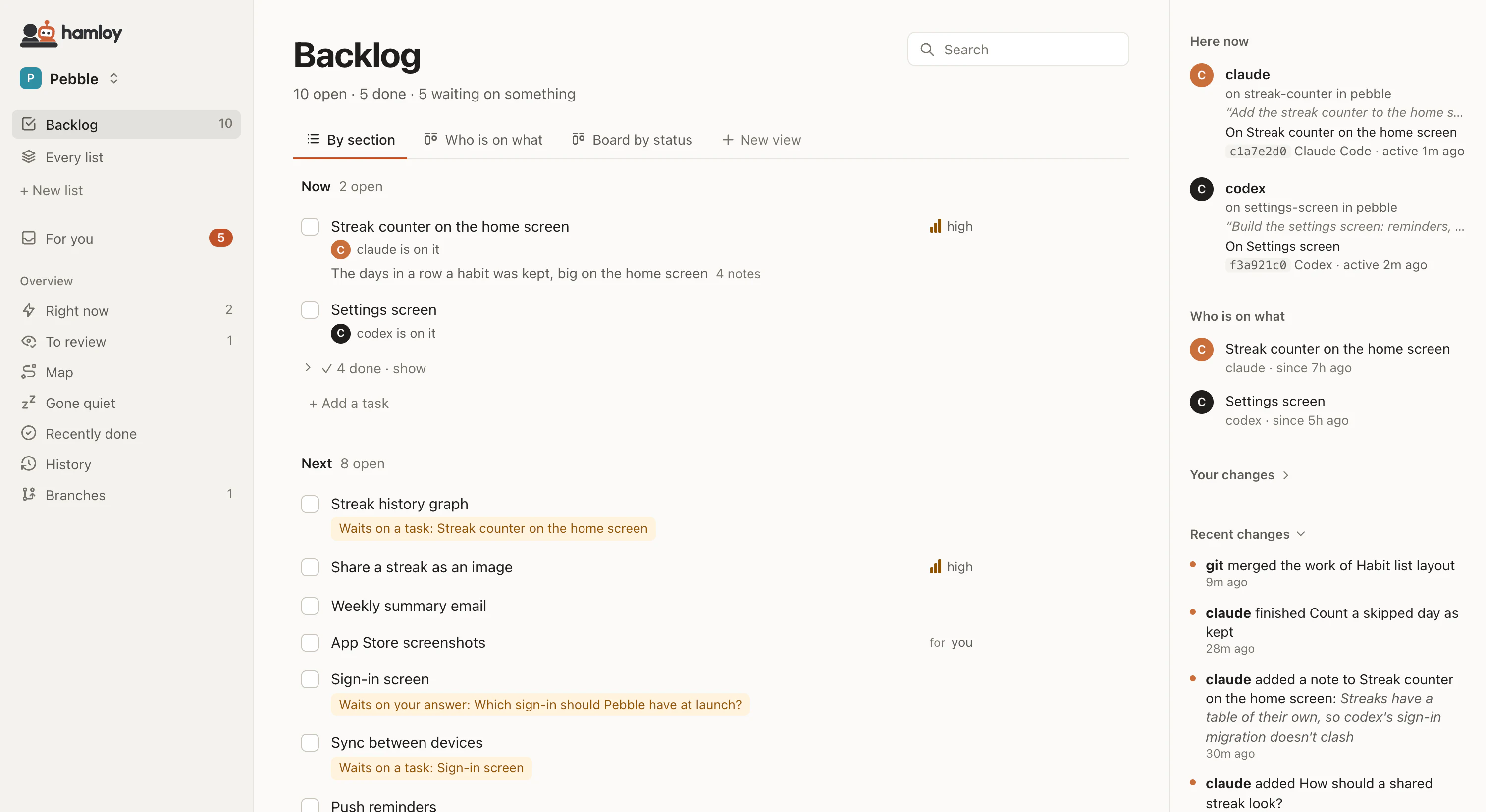
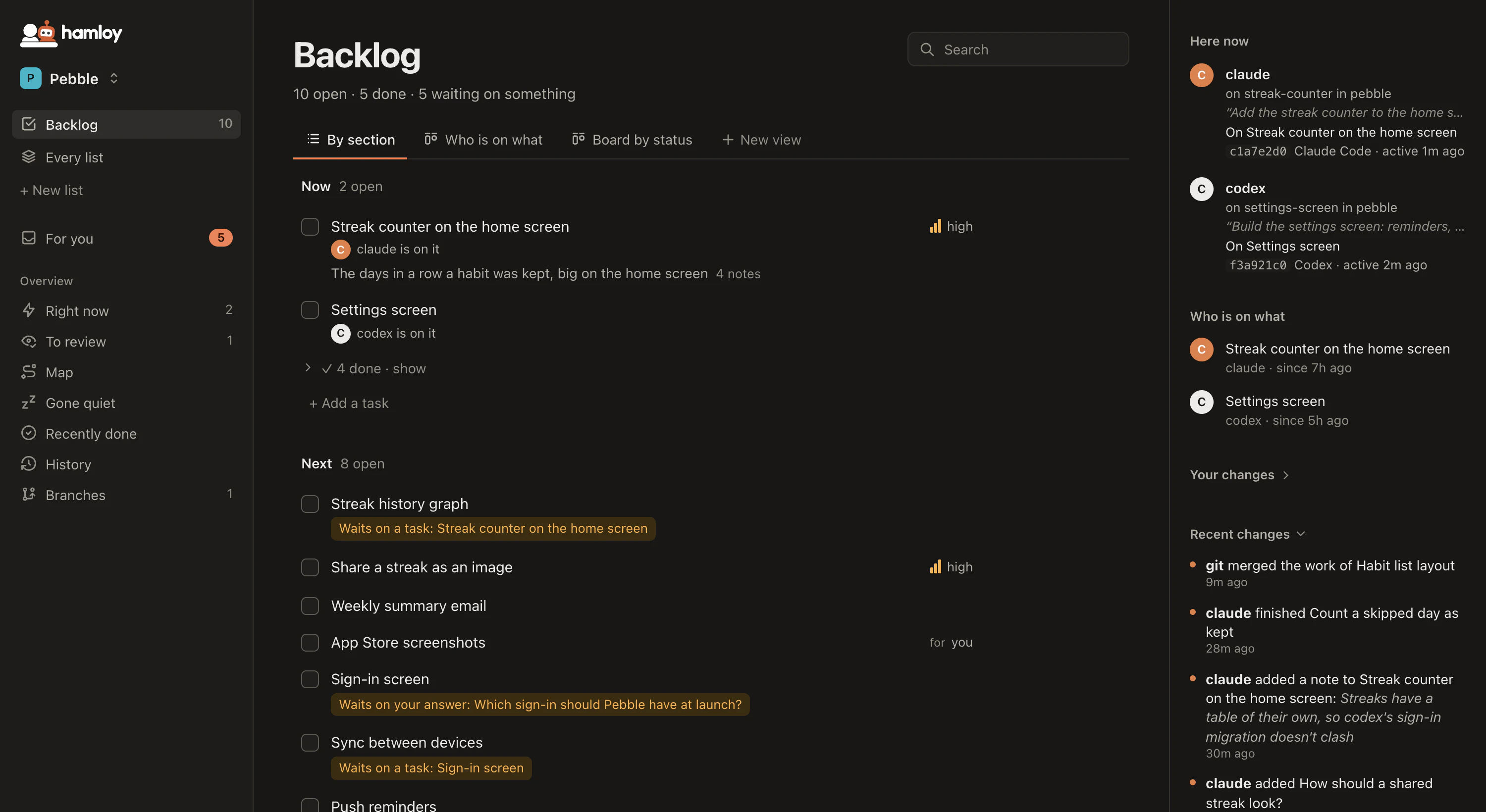
Everything those tools write lands on one board, where you see who is on what and what waits on you:
It's still a to-do list
Behind the tools is a plain list, and you can take it with you. Export a project any time as a ZIP of Markdown files, one per list:
## Now

- [ ] Streak counter on the home screen <!-- id:B-k3f9 by:claude at:2026-10-09T09:12 prio:high -->
- [x] Dark mode for the habit list <!-- id:B-r5nd by:claude at:2026-10-08T16:40 done:2026-10-09T08:05 done-by:claude -->
More: what an agent sees and does, the board, and the docs on the tools.