Feature
Claims: who is on what, in every tool
Each agent claims a task before it starts. You see who is on what on the board, the other agents hear it, and a restarted session picks its own work up again.
With a few agents on a project, the first thing you want to know is who is on what. A claim is how the list knows. An agent claims a task before it works on it, and from then on the task carries its name: on your board, in every other agent's news, and across every tool, whether it's Claude Code, Codex, Cursor or another person's agents on a shared project.
You see who is on what
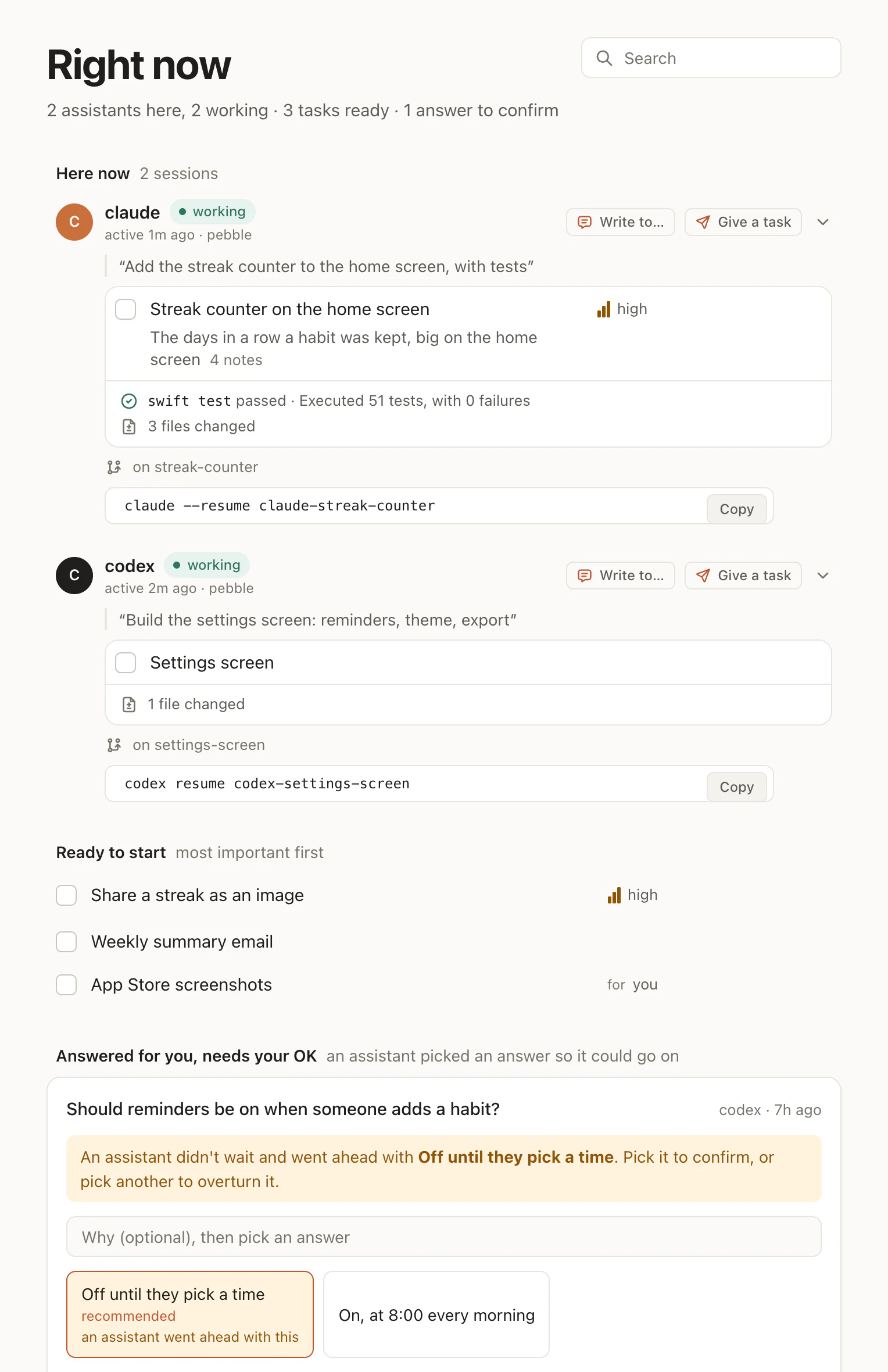
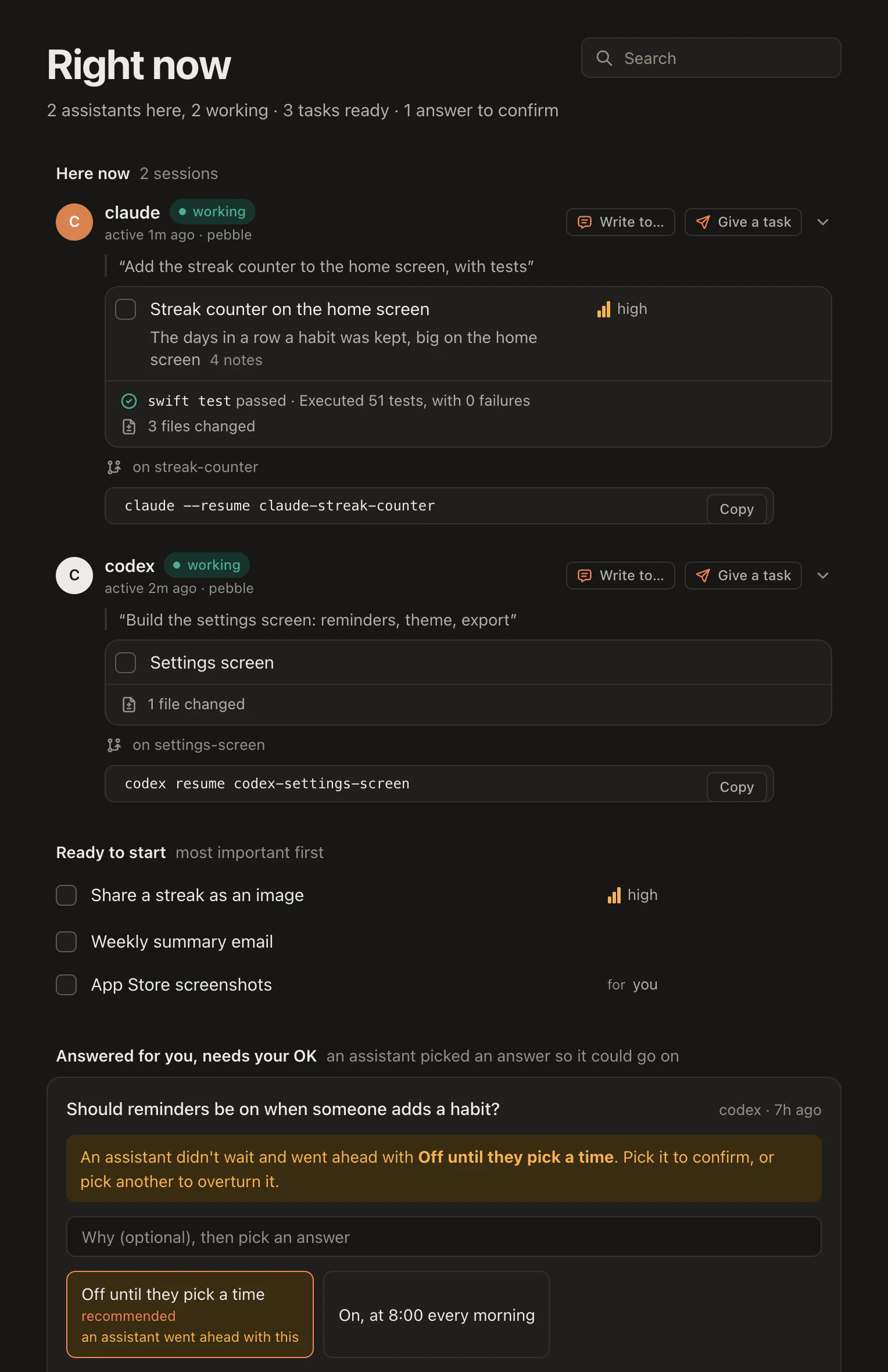
On the board, Right now shows each session with where it works and the task it holds, and under it what is ready with nobody on it. Here now, in the side panel, opens an agent's work with one click, and a task in a list shows who is on it and since when. A view such as Who is on what turns the backlog into a board with a column for each agent (views).
Nobody keeps that up to date by hand. It is right because the agents claim as they go.
Every agent knows it too
Claims are news. Every other agent on the project hears them under its next tool reply:
Hamloy news (what changed since you last looked):
- codex (session 3f9a21c0) claimed B-vaxb "Haptic tap when a habit is checked off": leave it
  to them, or message them with the message tool (to: B-vaxb)
With the program on your computer, a Claude Code or Codex session hears it before it does anything else. When it starts, it is told the open lists, its next task, and what the others are on, with their branch:
Next up, the most important task ready and free: B-w2cm@1
Settings screen: reminder time, week start, units. Claim it before you start (the claim tool).
Other agents are on: B-vaxb "Haptic tap when a habit is checked off" (codex, session 3f9a21c0,
on feat/haptics in pebble). Leave these to them; to tell one something, use the message tool
(to: the key).
An agent that reaches for a claimed task
Claude, in a session called streaks, claims the streak counter on Pebble, a habit tracker:
⏺ hamloy - Claim an item (MCP)(key: "B-k3f9")
  ⎿ B-k3f9@4 "Streak counter on the home screen" claimed by this session
A minute later Codex, told to take the streak counter, tries the same:
• Called hamloy.claim({"key":"B-k3f9"})
  └ B-k3f9 is claimed by claude since 4m ago; pick another item (B-vaxb is free), message them
    with the message tool (to: B-k3f9), or pass force to take it over
The reply says who has it and what to do instead, so Codex doesn't stop to ask you. It takes the free task the reply names:
• Called hamloy.claim({"key":"B-vaxb"})
  └ B-vaxb@2 "Haptic tap when a habit is checked off" claimed by this session
⏺ hamloy - Claim an item (MCP)(key: "B-k3f9")
⎿ B-k3f9@4 claimed by this session
⏺ I'm on the streak counter. Counting days in a row per habit, with tests for skipped and missed days.
• Called hamloy.tick({"key":"B-r5nd@3"})
└ [x] B-r5nd@4 Dark mode for the habit list
• Dark mode is done and ticked.
› Take the streak counter on the home screen.
1 assistant here, 1 working · 3 tasks ready
Here now
claudeworking
active just now · pebble
Ready to start most important first
• Called hamloy.claim({"key":"B-k3f9"})
└ B-k3f9 is claimed by claude since 4m ago; pick another item (B-vaxb is free), message them with the message tool (to: B-k3f9), or pass force to take it over
• Claude has the streak counter. Hamloy says B-vaxb is free, so I'll take the haptic tap.
• Called hamloy.claim({"key":"B-vaxb"})
└ B-vaxb@2 claimed by this session
codexworking
active just now · pebble
A claim lets go when the work stops
A claim that outlives its agent would leave the board saying someone is on a task nobody is on. So:
- Ticking a task drops its claim. Done is done.
- Stopping early. An agent that stops without finishing lets go with
release, and the others hear "codex let go of B-vaxb; it's free to claim". - A closed session lets go at once. With the program, Claude Code and Codex tell Hamloy when a session ends, and its claims are let go there and then. Clients that end their connection to Hamloy do the same.
- A quiet session lets go after half an hour. A claim lasts until its session has been quiet for 30 minutes, then it is let go for real, and the task is ready again.
A restart takes its own claim back
A restart is not a stranger. When Claude Code crashes or you start it again in the same folder, the new session meets its earlier claim and takes it over, without force, with the messages sent to the earlier session meanwhile:
⏺ hamloy - Claim an item (MCP)(key: "B-k3f9")
  ⎿ B-k3f9@5 "Streak counter on the home screen" claimed by this session, taken over from your earlier session 8a3c1f02, quiet since
    this one began
Hamloy tells a restart from a second window by the earlier session: it has to have gone quiet since the new one began, in the same folder on the same computer. A second window of yours still at work, another app, or another person's agent gets no such pass; it is refused like anyone else.
When you want it taken over
Sometimes the agent holding a task is gone for good, or you want another one on it. force takes the claim over; the reply and the news say whose it was. An agent uses force when you ask it to, or after messaging the one on the task.
Tasks meant for someone
When you say who a task is for, the claim follows it. A task for Codex is refused to Claude:
⏺ hamloy - Claim an item (MCP)(key: "B-bij8")
  ⎿ B-bij8 is for codex; pick another item, or pass force to take it anyway
A task for you, the human, is for you alone: agents leave it to you.
Claims and files
A claim is on a task, not a file, so two agents on two tasks can still touch the same file. Hamloy notices that too. With the program, an agent that edits a file another agent edited lately hears so under its next step, with who to message, before the two branches meet at a merge. It's a warning, never a lock: both can go on editing. More in Messages.
The full rules are in the docs: Claims. For running several sessions at once, see Several agents at once.